Why the clones exist
Yono apps are distributed as APK files outside the Play Store. That is legal for real-money games in India, but it means there is no store signature to trust, and anyone can host a file called yono-rummy.apk. Three kinds of people do.
- Referral farms. A repackaged genuine app with someone else's referral code baked in. Mostly harmless to you, profitable to them.
- Deposit thieves. A full clone of the lobby with a rewired deposit screen. Your UPI payment goes to a private account; the in-app balance never updates, or updates and never withdraws.
- Credential harvesters. Clones that add an "enter UPI PIN to verify" step, or request SMS and contacts permissions to intercept OTPs. These are the dangerous ones.
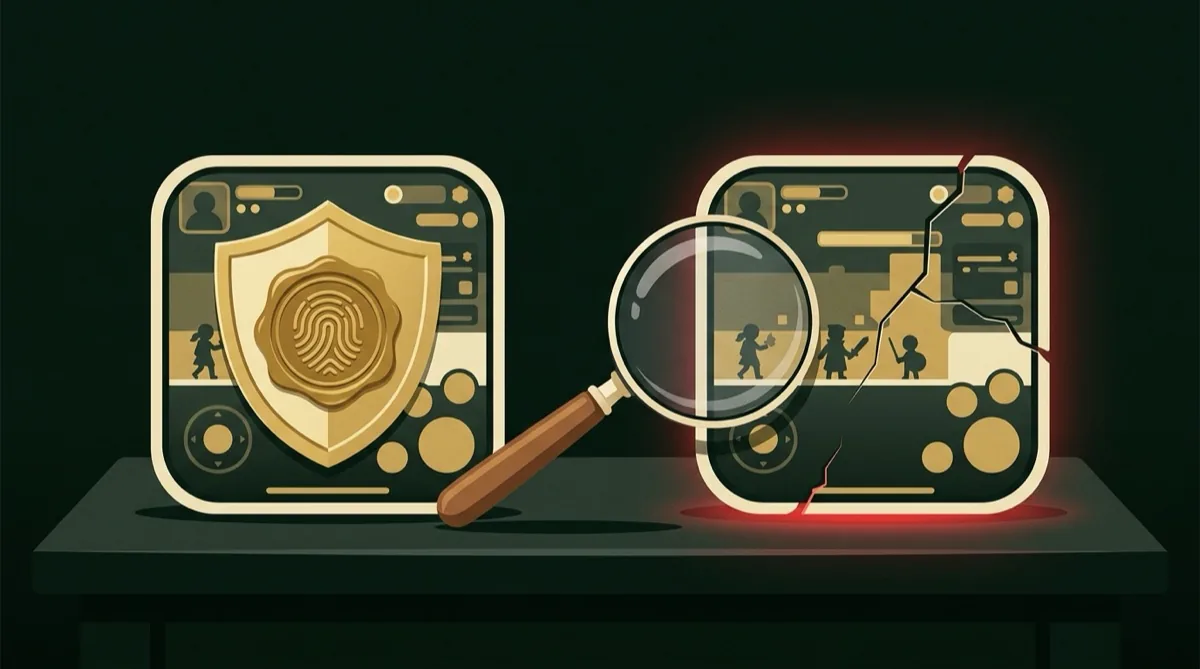
Of the four we analysed this month, one was a referral repack, two were deposit thieves, and one asked for SMS permission on first launch. All four used the genuine icon and the genuine app name.
The six checks
- Where did the file come from? The only acceptable answer is the official site's own download button, reached by typing the address, not by tapping a link. Telegram forwards, YouTube description links, and any domain containing "download", "apk", "bonus" or a year are not sources. Every clone we found came from one of those.
- Package name. After install, open Settings, Apps, find the app, and tap the info page. Every Android app has a unique package name. Note the genuine one from your first verified install and compare on every update. Clones cannot use the same package name if the genuine app is already installed; if Android lets both coexist, one of them is not genuine.
- Signing certificate. This is the definitive test. Every APK is signed by its developer's private key, and a clone cannot reproduce it. Install a free app-info tool from the Play Store that shows the certificate SHA-256 fingerprint, and compare it with a known-good install. Mismatch means clone, regardless of how the app looks. We publish the fingerprints we have verified on our Telegram channel and update them when the developer rotates keys.
- Permissions. A genuine Yono build asks for Storage, Camera (for KYC photos) and Notifications. It does not need SMS, Contacts, Call logs, Accessibility or Device admin. If the install prompt or the app-info page shows any of those, uninstall before opening it.
- File size. Not definitive, but useful. Genuine builds in our archive sit within a narrow range for each app. A file 30 percent smaller has had game assets stripped; one 30 percent larger has had something added. Compare against the size on the official download page.
- The payment flow. On a genuine app, tapping Deposit opens your UPI app with the Yono payment gateway as the payee, and you approve in PhonePe, GPay or Paytm. A clone typically shows a QR code inside the app, a personal-looking UPI ID, or a field asking you to type your UPI PIN. The moment any app asks for your UPI PIN inside itself, close it.
Genuine versus clone, side by side
| Signal | Genuine build | Clone |
|---|---|---|
| Source | Official site download button | Telegram, YouTube link, download-farm site |
| Signing certificate | Matches known fingerprint | Different fingerprint, often self-signed days ago |
| Permissions | Storage, Camera, Notifications | Adds SMS, Contacts, Accessibility |
| Deposit | Hands off to your UPI app | In-app QR, personal UPI ID, or asks for PIN |
| Signup bonus shown | ₹41–₹100 | ₹275, ₹500, ₹1,100 "instant" |
| Withdrawal | Status with real UTR that appears in your bank | "Success" with a UTR your bank has never seen |
If you already installed a clone
- Do not open it again. Uninstall it from Settings, Apps, not from the launcher icon, which a malicious app can hijack.
- If you entered a UPI PIN or an OTP inside it, change the PIN in your UPI app now and call your bank's fraud line. Speed matters more than certainty here.
- If you made a deposit, note the UTR from your UPI app and raise a dispute with your bank within 24 hours. Report the payee UPI ID on the National Cybercrime portal (cybercrime.gov.in) and on 1930.
- Check your device for any other app you did not install, and revoke Accessibility and Device admin permissions from anything you do not recognise.
- If you want to keep playing, reinstall from the official site only, and verify the signing certificate before you deposit.
- One install, from the official site, verified by certificate fingerprint before the first deposit.
- Never update from a link. Let the app prompt its own update, or return to the official site.
- Never type a UPI PIN anywhere except your UPI app.
A verified genuine app still involves real-money play and financial risk. See Responsible Gaming for limits and helplines.
Frequently asked questions
How do I know if my Yono APK is real?
Check the signing certificate fingerprint against a known-good install, confirm the package name, and review permissions. A genuine build only needs Storage, Camera and Notifications, and deposits hand off to your UPI app rather than asking for a PIN inside the app.
Is it safe to download Yono Games from Telegram?
No. Every cloned Yono build we analysed in August 2026 was distributed through Telegram forwards or download-farm sites. Install only from the official site's own download button.
What permissions should a Yono app ask for?
Storage, Camera for KYC photos, and Notifications. It should never request SMS, Contacts, Call logs, Accessibility or Device admin. Any of those indicate a clone.
I deposited into a fake Yono app. Can I get the money back?
Raise a dispute with your bank using the UTR from your UPI app within 24 hours, report the payee UPI ID on cybercrime.gov.in and call 1930. Recovery is not guaranteed, but early reports have the best chance.

Android security specialist. Audits APK signatures, permissions and payment flows. His work exposed four cloned Yono APKs this year. About the team.